
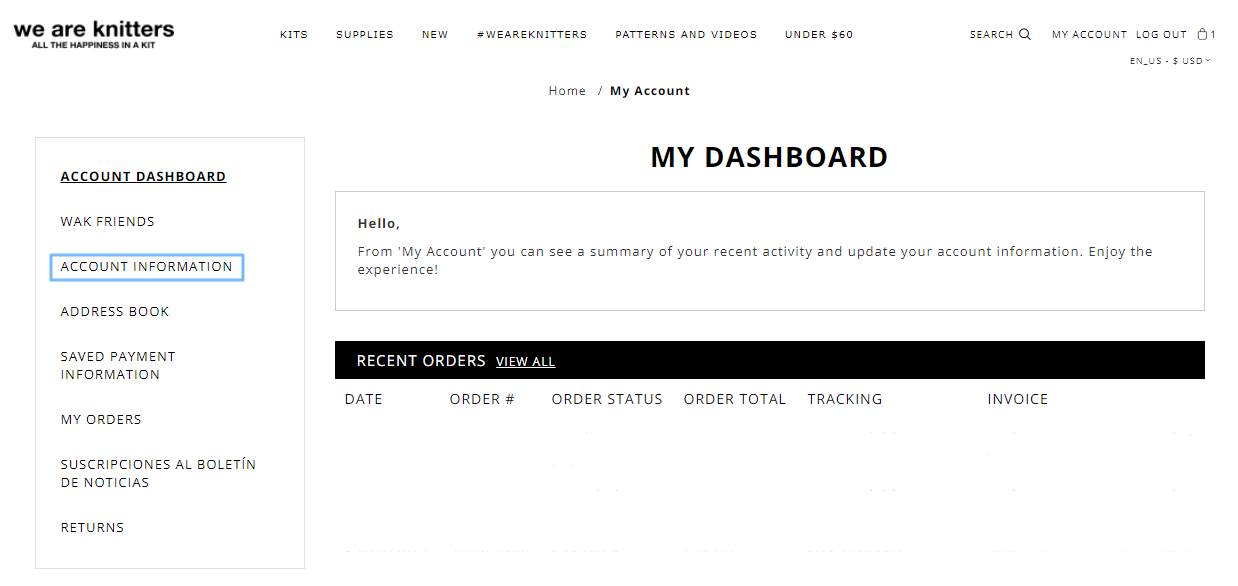
Sign in to your account with your current password. On the left hand menu choose the option: “Account Information”.
Above the button “Save” you’ll see “Change password”.

Select this option to open the fields to change your password.

Now just fill in the boxes with your old and new password and click “Save”. 😊
Comments
0 comments
Please sign in to leave a comment.